
Create scroll-stopping images for LinkedIn
Generate professional visuals for your LinkedIn posts. Paste your post and get a matching image in seconds.
Your content is handled securely. Never used to train models.
How It Works
Three simple steps to create the best image for your LinkedIn posts.
Paste Your Post
Drop your LinkedIn post text. Our AI analyzes the topic, tone, and key concepts.
Choose a Template
Select from 11 proven templates. Or let us recommend the best fit.
Download & Post
Generate a professional image at the perfect size for your LinkedIn posts.
Real-world examples
Improve your LinkedIn posts by generating images with your logo and brand colors
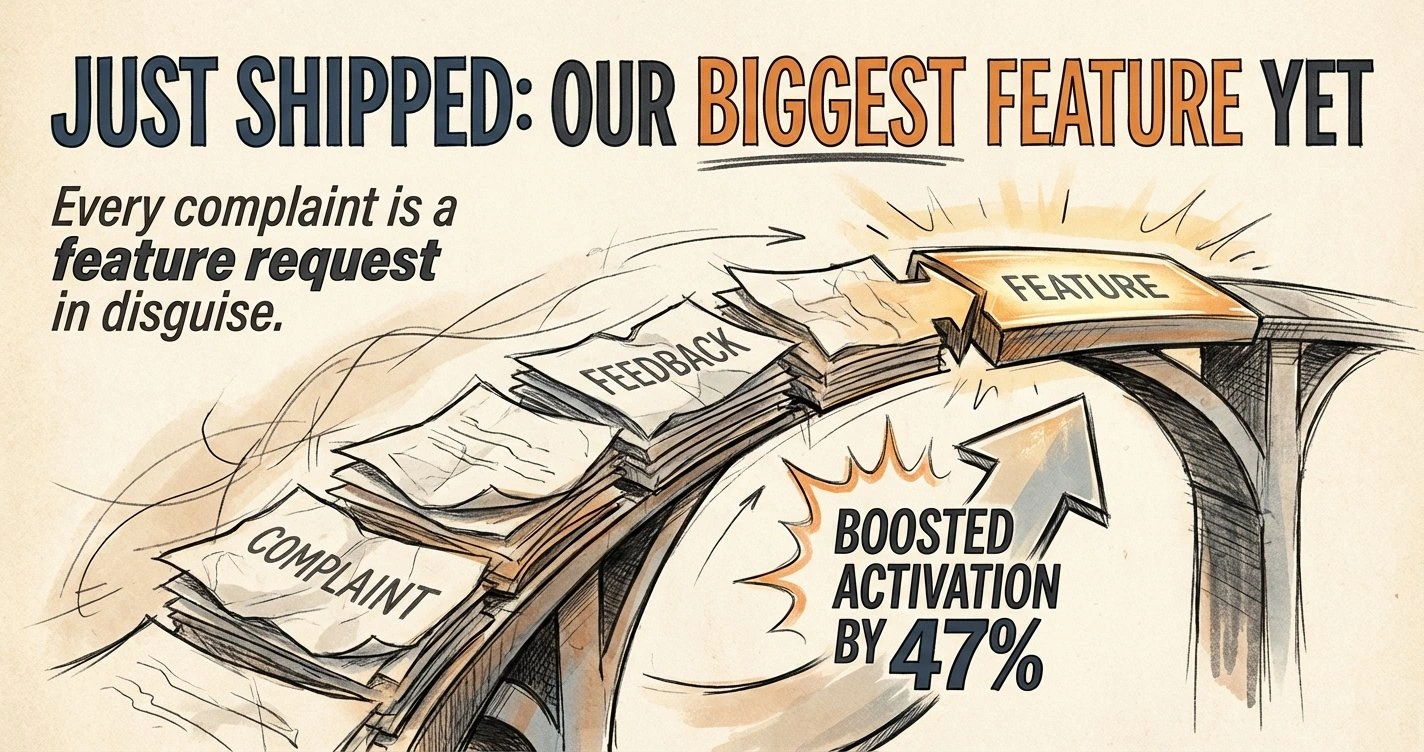
Just shipped our biggest feature yet. The lesson? Listen to your customers. Every complaint is a feature request in disguise, and this one boosted activation by 47%.
Just shipped our biggest feature yet. The lesson? Listen to your customers. Every complaint is a feature request in disguise, and this one boosted activation by 47%.

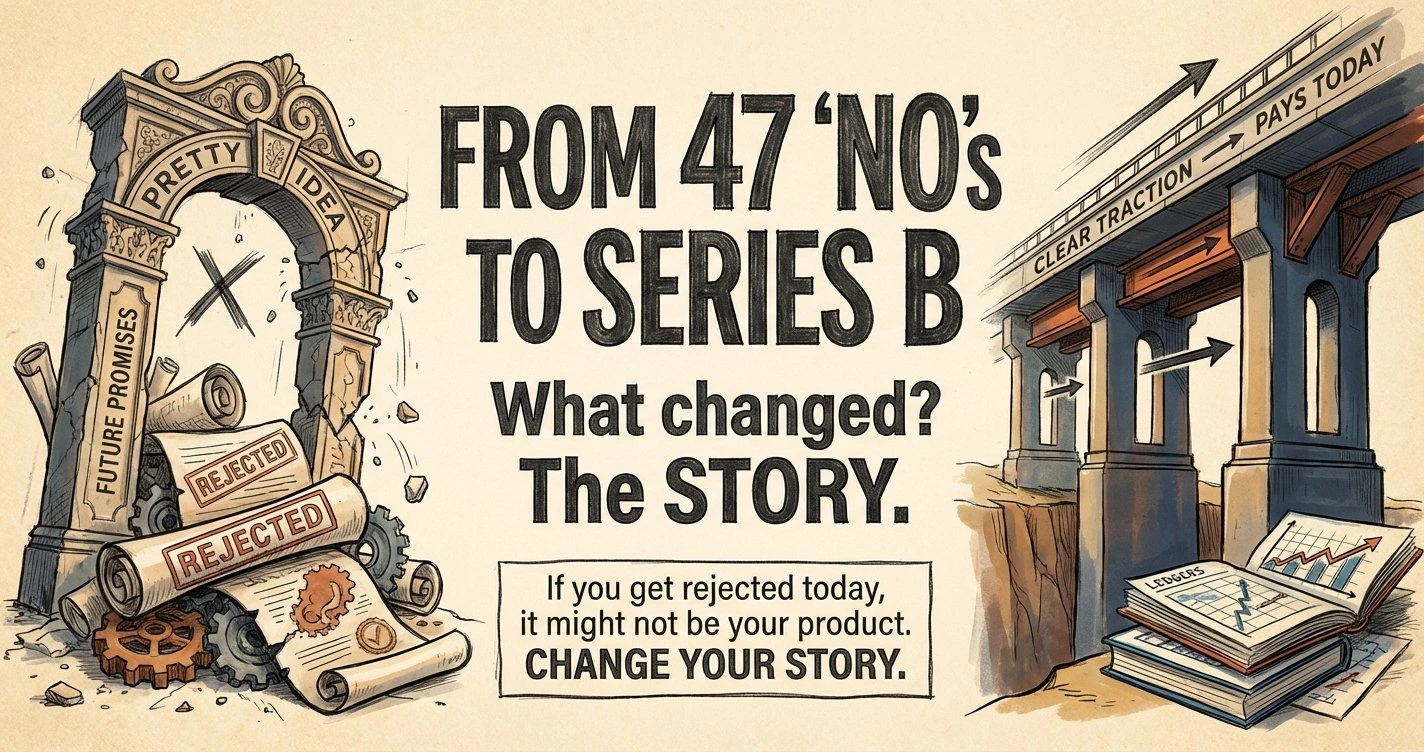
Three years ago I was rejected by 47 investors. Today we closed our Series B. What changed? We stopped selling an idea and started showing real traction. The deck went from pretty to clear. We talked less about the future and more about why someone pays today. The same "no"s. The same market. A different founder. If you get rejected today, it might not be your product. It might be the story you're telling.
Three years ago I was rejected by 47 investors. Today we closed our Series B. What changed? We stopped selling an idea and started showing real traction. The deck went from pretty to clear. We talked less about the future and more about why someone pays today. The same "no"s. The same market. A different founder. If you get rejected today, it might not be your product. It might be the story you're telling.
Keep every image on-brand
Upload your logo and set your brand colors. Every image you generate will match your brand identity.

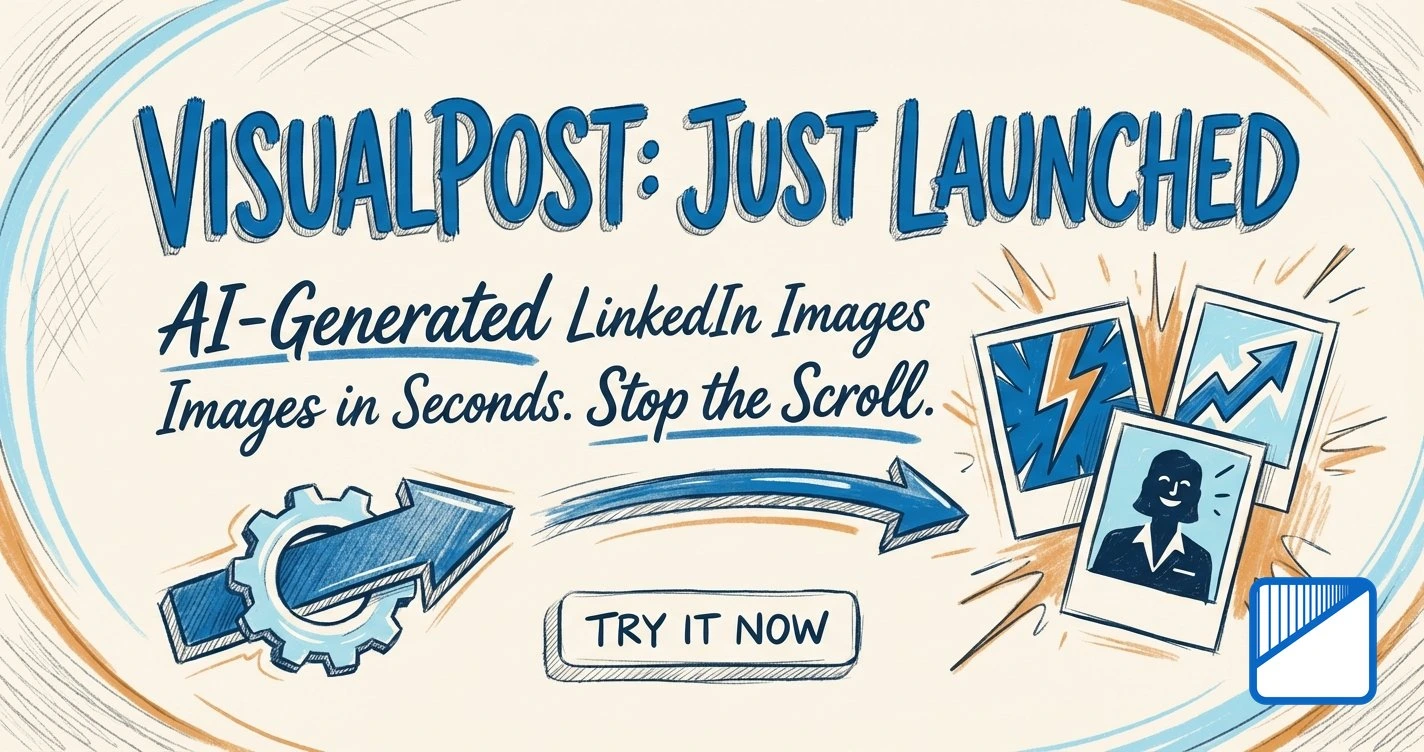
We just launched VisualPost, an AI tool that generates professional images for your LinkedIn posts. Paste your text, pick a template, and get a scroll-stopping visual in seconds.
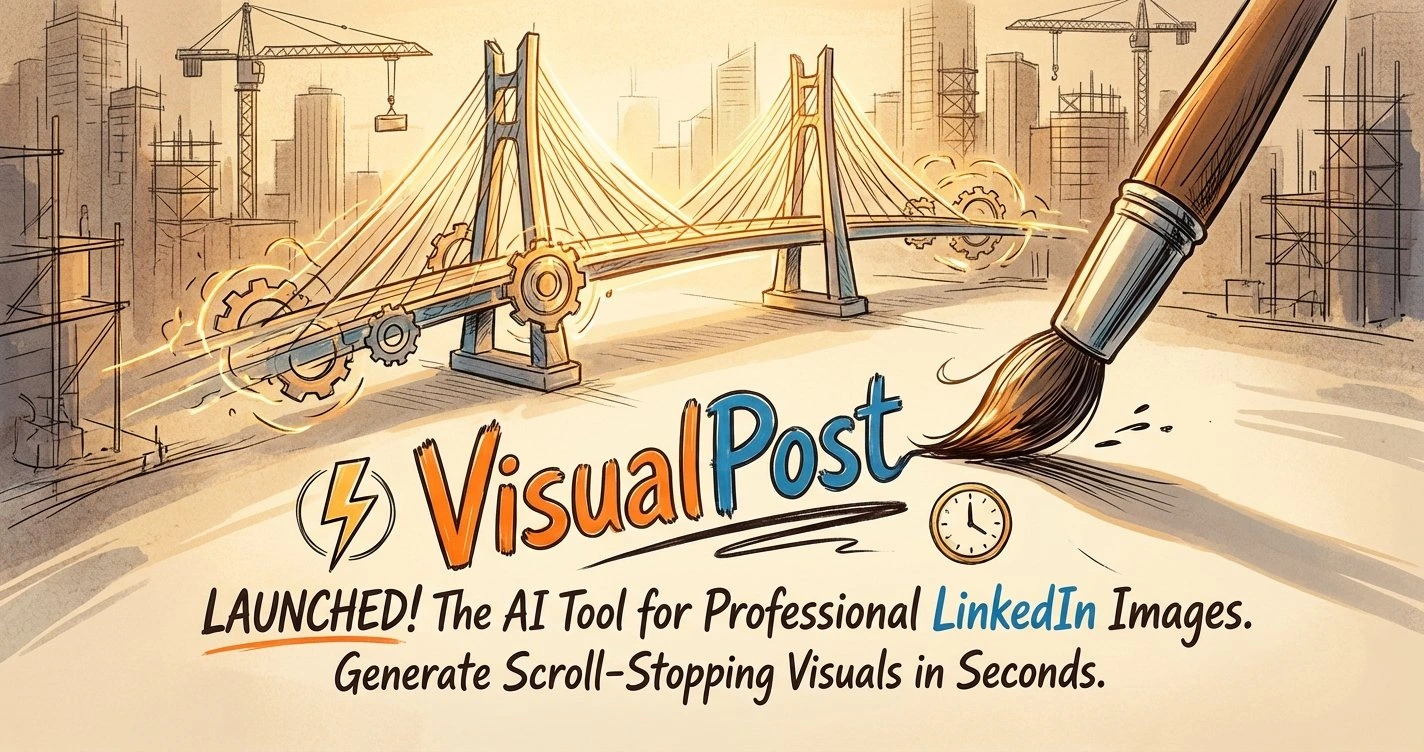
We just launched VisualPost, an AI tool that generates professional images for your LinkedIn posts. Paste your text, pick a template, and get a scroll-stopping visual in seconds.
Powerful Features
11 Professional Templates
From Minimalist to Cinematic, each template is designed for maximum LinkedIn engagement.
Illustration, 3D, Realistic & Cartoon
Pick a finish that matches your brand personality without extra setup.
Brand Kit Support
Upload your logo and set your brand colors. Keep every image on-brand.
Lightning Fast
Generate professional images in under 60 seconds. No design skills needed.
Simple Pricing
Start free, upgrade when you need more
For regular posters
- 20 credits/month
- All templates
- No watermark
- Credits roll over
- 10% off top-ups
For power users and teams
- 60 credits/month
- All templates
- No watermark
- Credits roll over
- 10% off top-ups
1 credit = 1 AI-generated image. Credits are only consumed on successful generations.
Any purchase removes the watermark from all your images
Pay as you go
Buy credits in packs (no subscription)
Small Pack
10 credits
$5 + tax
Medium Pack
35 credits
$15 + tax
Large Pack
100 credits
$40 + tax
Credits are used only when generation succeeds. Downloads and re-downloads are always free.
Frequently Asked Questions
What kind of images does VisualPost create?
VisualPost generates professional, topic-relevant visuals for LinkedIn posts. Images are clean, on-brand, and optimized for LinkedIn's 1200×1200 format.
How does it understand my post?
Our AI analyzes your post text to extract the topic, tone, and key concepts. It then generates a visual that complements your message without duplicating it.
Can I use my brand colors and logo?
Yes! With the Brand Kit feature, available to all users, you can set your brand colors and optionally add your logo to generated images.
How long does generation take?
Most images are generated in under 60 seconds. Complex prompts or high-demand periods may take slightly longer.
Can I use these images commercially?
Yes! Images you generate are yours to use for your LinkedIn content, including business and promotional posts.
How do credits work?
1 credit = 1 AI-generated image. Credits are only consumed when a generation succeeds. If the AI fails to generate an image, you keep your credit.
What happens if a generation fails?
If a generation fails for any reason (AI error, content filter, etc.), your credit is not consumed. You can try again at no cost.
Do unused credits expire?
For paid plans (Starter and Pro), unused credits roll over to the next month. Free plan credits reset monthly and do not roll over.
What file format and size are the images?
Images are generated at 1200×1200 pixels, optimized for LinkedIn's feed. You can download them as high-quality PNG or JPEG files.
Can I get a refund?
Subscription refunds are handled on a case-by-case basis. Credit pack purchases are non-refundable but credits don't expire for 12 months. Contact us if you have concerns.
Ready to elevate your LinkedIn presence?
Create professional visuals that make your posts stand out. Start for free today.